Squeeze it
On phones with an Action Button, hold it. A hold, not a tap, so it cannot go off in a coat pocket.
Pin your stop and sleep. A real alarm wakes you when you’re nearly there, through Silent and Focus.
Stopzone is a proximity alarm for iPhone. You pin your destination, tap Start when you board, and a real alarm fires when you enter the zone around your stop. It rings on your media volume, so it gets through Silent mode and Focus.
Four kilometres out. Nothing happens yet. The zone is a circle you drew around your stop, and you are nowhere near its edge.
Twice your radius. Still nothing you have to look at. A calm voice reaches your earphones first, on the route your audio is already using.
The zone edge. This is the moment the alarm fires, and it does not negotiate.
1.5 km away
A notification buzzes once, quietly, and you sleep through it. This is the other thing: two stages, in order. Both are the app’s own files, not re-creations of them.
Turn your volume up first. That is rather the point.
In your earphones, first · the calm persona
Stopped.
With earphones in, both of these play through your earphones — the same place your music was a second earlier. We call it Quiet Wake. It repeats until you answer.
A clock alarm rings loudly, but it counts minutes, so a trip that runs long rings in the wrong place. A maps alert knows exactly where you are, but it arrives as a notification, so it stays quiet on Silent and under Focus. Stopzone does both: it measures distance, and it plays a real alarm.
| Behaviour | Clock alarm | Maps alert | Stopzone |
|---|---|---|---|
| Rings through Silent and Focus | Yes | No | Yes |
| Knows where you actually are | No | Yes | Yes |
| Still right when the trip runs long | No | Yes | Yes |
| Works with no signal | Yes | No | Yes |
| Keeps going until you respond | Yes | No | Yes |
The alarm knows the time. The map knows the place. Stopzone is the only one measuring the distance to a point you chose and playing real audio when you reach it. Read the longer comparison, or the free tactics that work first.
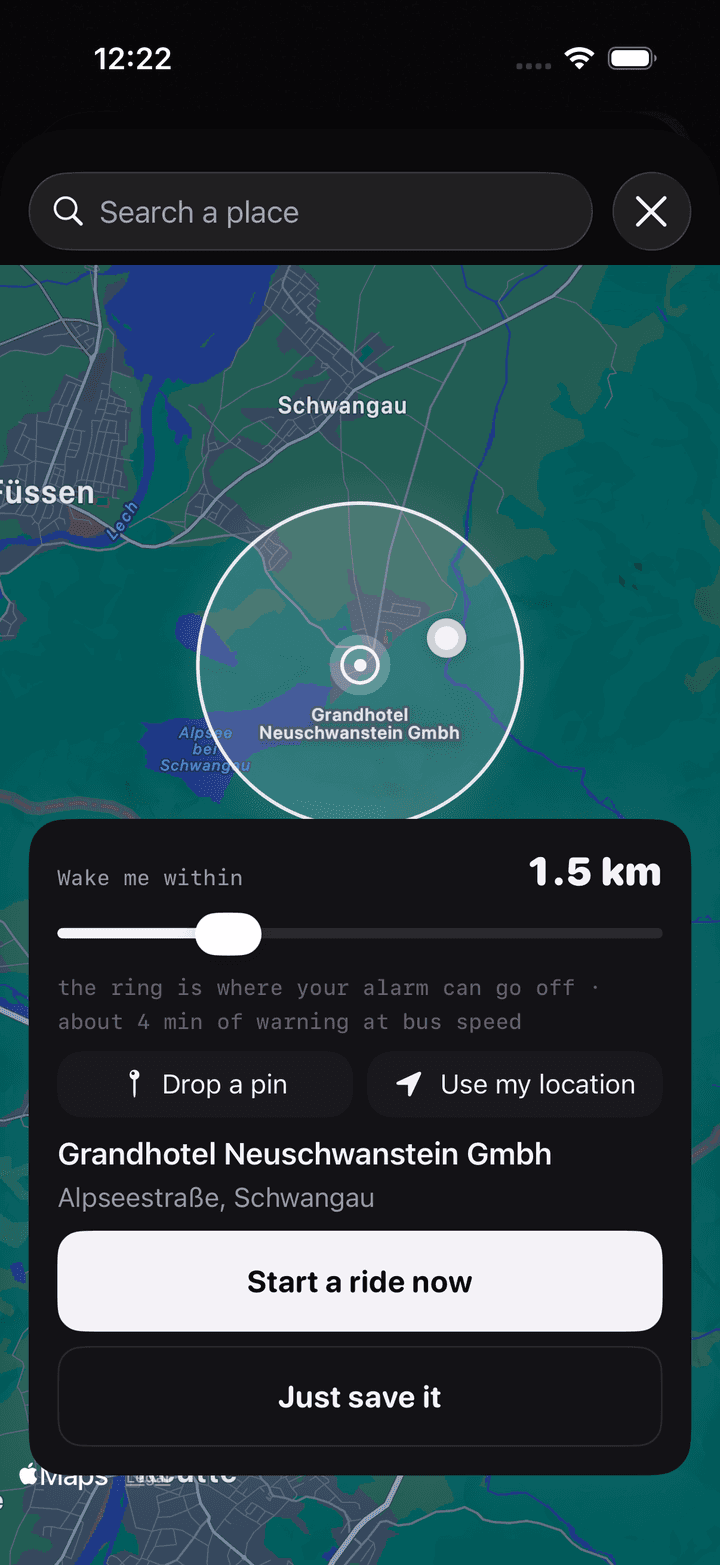
Search it, drop a pin, or use where you are. Set how far out you want the warning, anywhere from 300 m to 5 km.
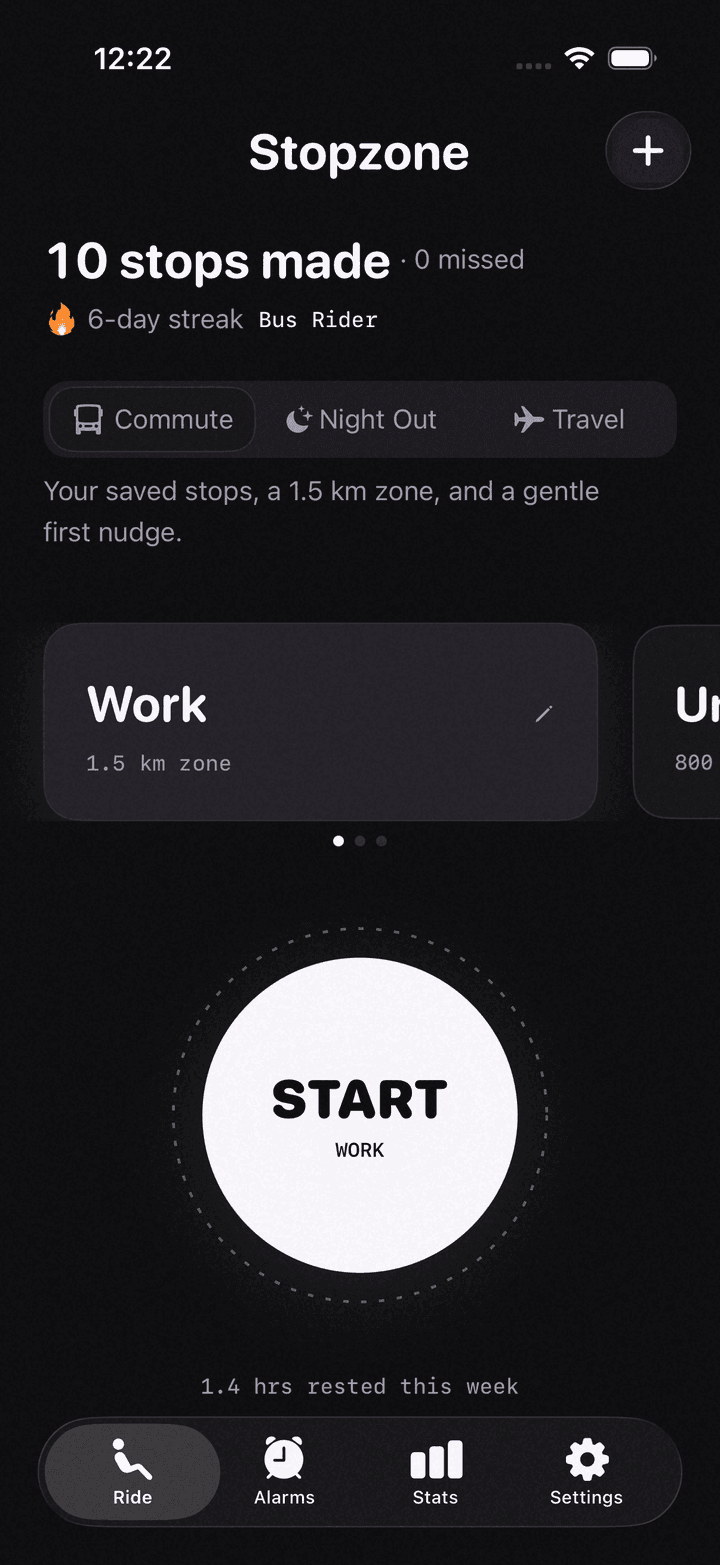
Then read, scroll or sleep. Stopzone watches the distance to your stop and never looks at the clock.
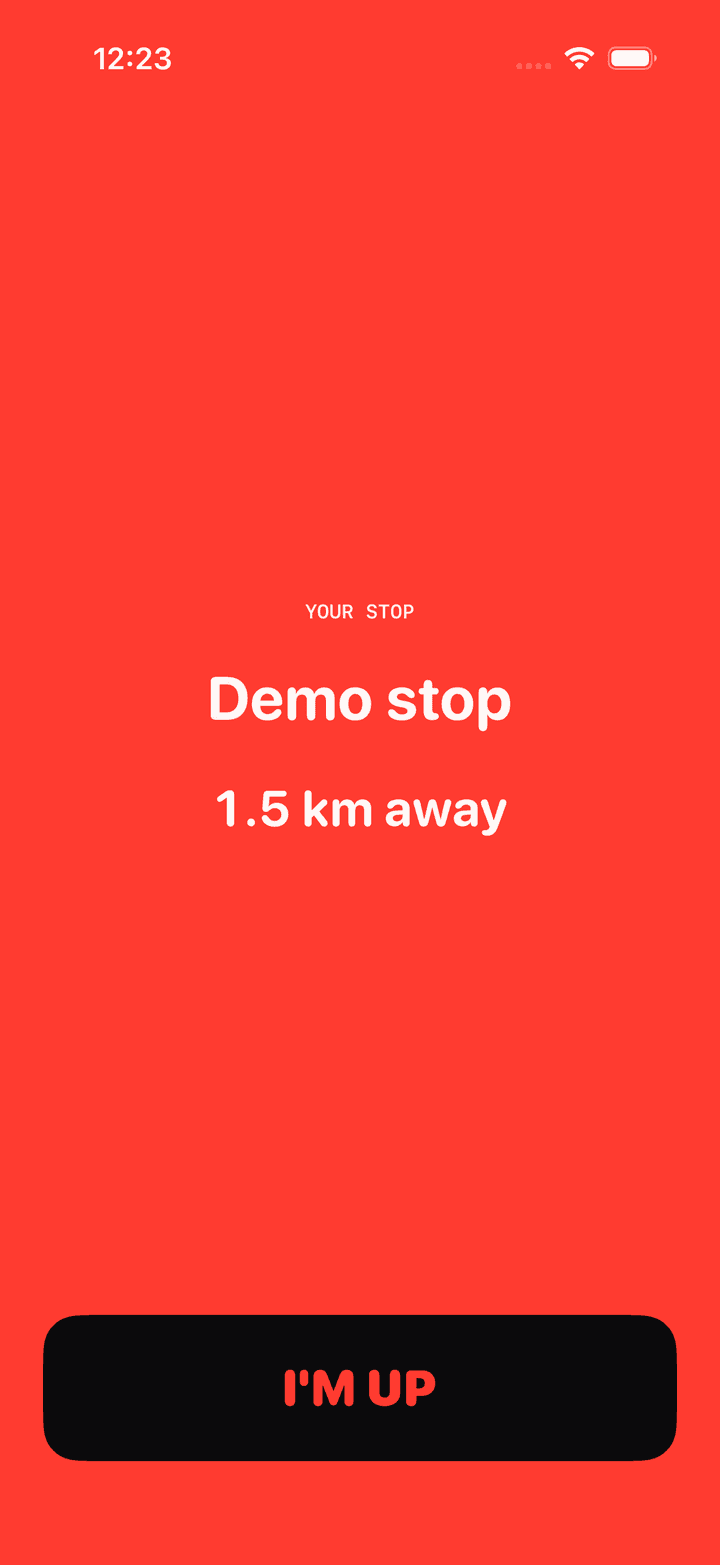
A voice, then a real alarm, both through whatever you are already listening on. One button ends it.
The alarm plays on your media volume, not your ringer. That channel ignores the silent switch and every Focus mode.
Zero network calls after Start, and the backup alarm is set the moment you tap it. A tunnel or a swiped-away app still rings.
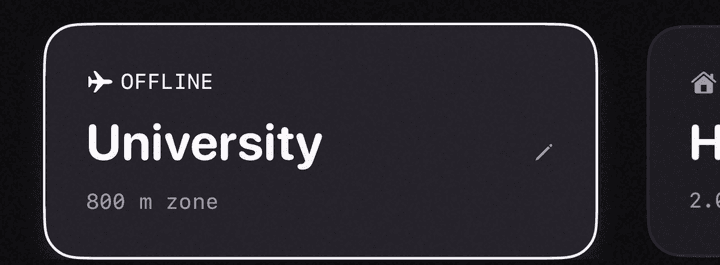
Your phone’s own alarm sounds on the handset whatever you are listening through. Stopzone follows your audio: with earphones in, the voice and the alarm both play there.
Night Out arms your home stop. Set it up once, sober, and after that the whole thing runs without a screen — which is the only version of it that survives the night it was built for.
“Hey Siri, get me home.” The alarm is armed for your home stop, the phone goes back in your pocket, and nothing else needs doing.
On phones with an Action Button, hold it. A hold, not a tap, so it cannot go off in a coat pocket.
When it rings, the lock screen carries one full-width button. A volume key works too — the one control you can find through a pocket.
That is the whole list.
There is no server that could tell you where you went, because we never built one.
Yes. Because the app is running during your trip, it plays a real alarm on your media volume rather than sending a notification. The media channel ignores the silent switch and Focus, which is the same reason a video keeps its sound when your phone is muted.
That is a categorical difference from a notification, not a matter of degree. No app can raise your phone above its hardware volume ceiling, and Stopzone does not claim to.
No. Once your stop is saved, everything runs on the phone. There are zero network calls between the moment you tap Start and the moment the alarm rings. GPS is a receiver, not a connection, so it keeps working with no bars and in aeroplane mode.
Barely. Stopzone is built to stay under about 5% for a forty-minute trip. It slows its GPS checks while you are far from your stop and speeds them up as you close in, so the expensive, high-accuracy sampling only happens during the few minutes it actually matters.
Mostly. GPS does not reach through deep tunnels, so underground sections lose position. Stopzone handles this two ways: it keeps estimating from your last known speed and heading, and it schedules a backup alarm the moment you tap Start, which fires on time whether or not the signal returns.
On overground and elevated lines, and on buses, trams and mainline trains, position is continuous and the zone triggers exactly as expected.
It depends on your iPhone. On iOS 26 and later, Stopzone arms a system alarm through AlarmKit when your session starts, so a force-quit still ends in an alarm. On iOS 17 through 25 the session needs the app alive, and the session screen says so rather than quietly failing.
Never. There is no email, no login, no signup and no password, on any screen, at any point. Support works through a short ID shown in Settings rather than an identity. Nothing about you is stored anywhere that could be linked back to a person.
Nowhere. Every distance calculation happens on your device. Your stops, their coordinates, your sessions and your history never leave the phone. The only thing our servers hold is whether a subscription is active, which is a yes or a no with no location attached to it.
Yes, on iOS 17 and up. The full experience is identical on every supported version: the loud alarm through Silent mode, the earphone stage, and the whole escalating wake sequence. iPhones on iOS 26 and later add one extra safety net, for the case where the app is force-quit mid-trip.
All 13 questions, or read why an alarm rings on Silent and a notification does not.
Scan to install
Requires iPhone on iOS 17 or later. No account, ever.